 CleanApps

Moonlight Game Streaming
Diego Waxemberg
Stream games and other apps from your gaming PC on your local network with Moonlight.
- Data Not Collected
- Open Source
- Devices
- iPhone, iPad, Apple Vision, Apple TV
- Requires
- iOS 12.0+
- Version
- 9.0.2
- Updated
- Released
- Size
- 12 MB
- App Store rating
- 4.2 of 5 (677)
Checked on .
Screenshots
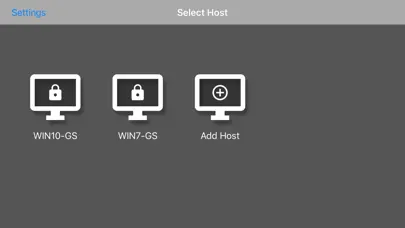
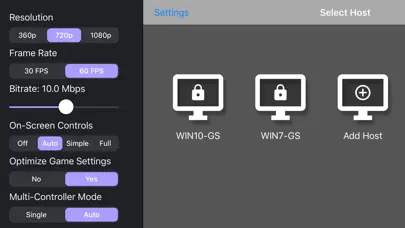
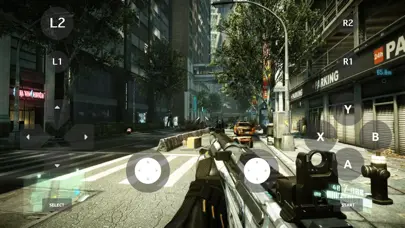
About Moonlight Game Streaming
Stream games and other apps from your gaming PC on your local network with Moonlight. Use your touchscreen or an iOS-compatible gamepad to play your PC games on your iOS device. If you have an NVIDIA GPU in your gaming PC, you can install NVIDIA GeForce Experience (GFE) on your compatible PC, enable GameStream in GFE's SHIELD settings page, and you're ready to stream. If you would like to host using LizardByte Sunshine, which works on all GPUs, simply install Sunshine on your PC, perform first-time setup, and you're ready to stream. Features: • Open-source and completely free • Up to 4K 120 FPS with HDR • Stream games purchased from any game store • Bluetooth keyboard and mouse support • Support for MFi, PS4/5, and Xbox Bluetooth controllers • Wake-on-LAN to wake your PC for streaming • Local co-op with up to 4 connected controllers
Full description
Other Requirements: • 5 GHz WiFi is highly recommended • A physical gamepad is recommended for faster paced games If you have any trouble, click our support link for help or look for the help links within Moonlight. This app is open-source. The code can be found here: https://github.com/moonlight-stream/moonlight-ios All trademarks cited here are the property of their respective owners.